
How do I log in to BDO? Step-by-step instructions
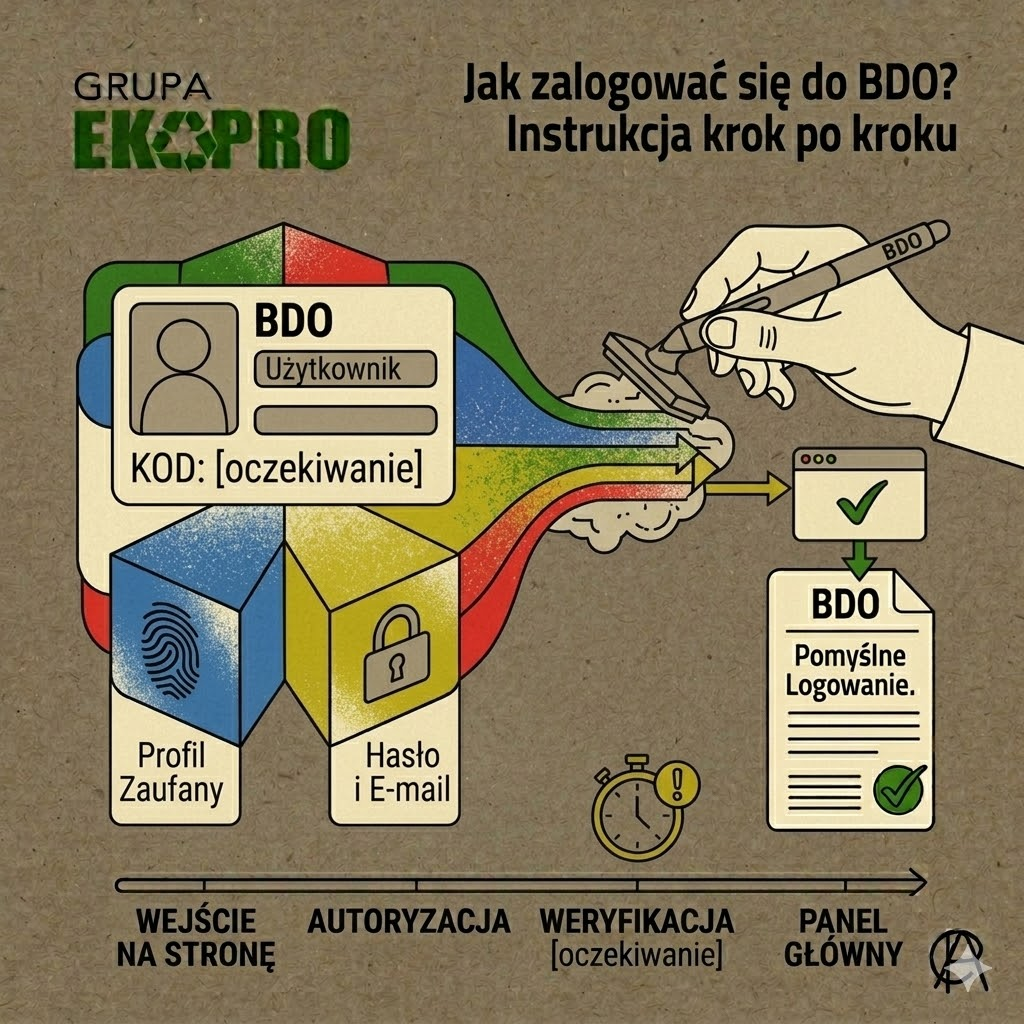
If you want to log in to BDO, the most important rule is simple: you access the system via the official BDO registry page, and the primary login path for the root user is login.gov.pl. The official BDO manual indicates that in order to log in to the system and assign an entity account, one has to go to the BDO register and select login via the login.gov.pl service. In practice, this means that the main user uses state authentication methods, such as Trusted Profile, electronic banking, e-evidence or other available identity provider.
What the first login to BDO looks like
When logging in for the first time, simply authenticating via login.gov.pl is not enough. The official BDO knowledge base explains that once the user has been identified, you have to assign an entity account to a user, using 9-digit registration number and password by the marshal's office, if it has not previously been changed. It is this step that most often causes problems for those who already have a BDO number but have not yet linked the company account to the identity of the person logging into the system. If the entity does not yet have a registration number, BDO indicates that a new registration application must be submitted in the applications module instead of logging in to handle the entry.
How the master and slave user log in
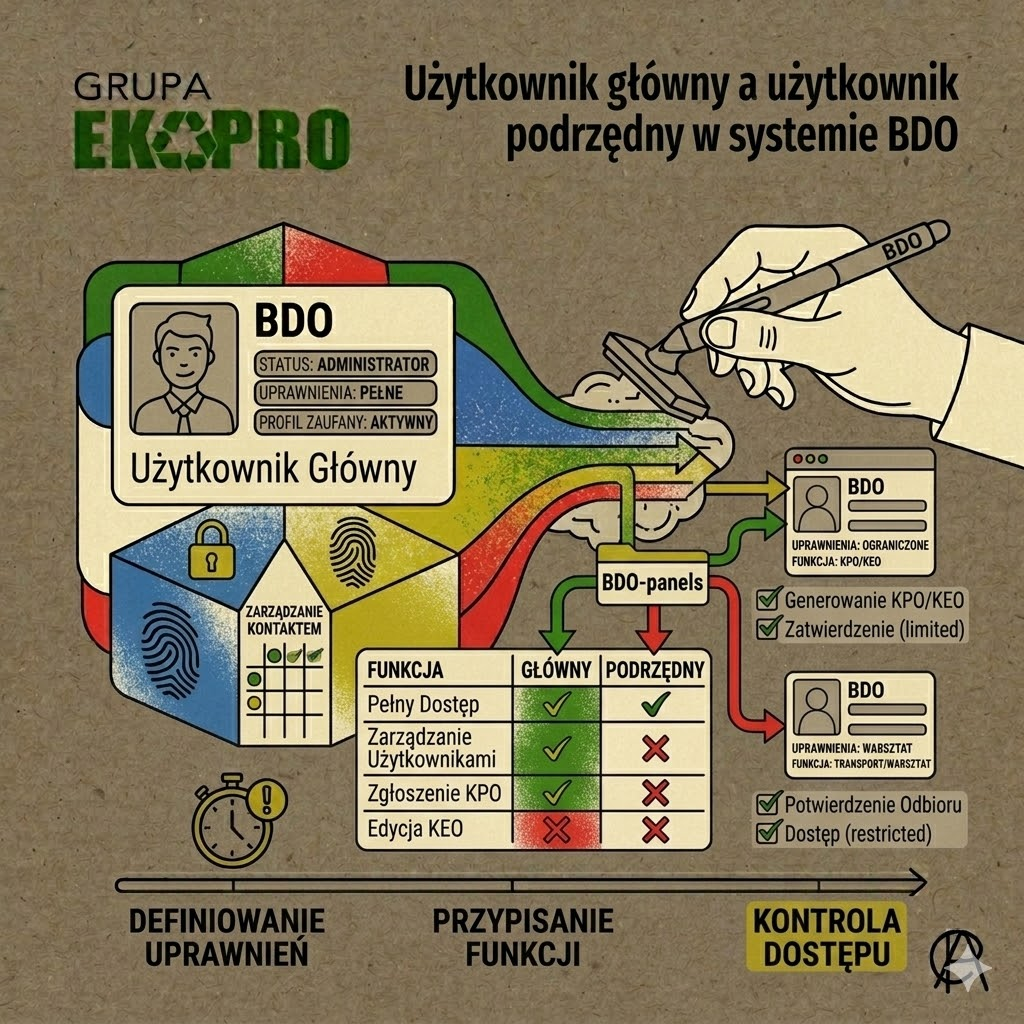
This is one of the most important distinctions in the system. The official BDO knowledge base indicates explicitly that the root user always logs in via login.gov.pl and it is not possible to log on to the system by login and password alone. It works differently subordinate user: after receiving an invitation and setting up a password, he/she gains access to the system's modules and his/her login is e-mail address indicated when granting rights. In practice, this means that if a company owner or authorised person is acting as the master user, he or she should always enter BDO via state authentication, while an employee or colleague added as a sub-user already uses a different login path.
What to do if the BDO login does not work
If logging into BDO causes a problem, it is first worth checking that you are using the correct method for your role in the system. The most common cause of errors is trying to log in the root user with a login and password instead of via login.gov.pl, or failing to assign an entity account after the first authentication. The BDO's official knowledge base also points out that when logging in for the first time, the registration number and password assigned by the marshal's office should be used if it has not been changed, and that if you have problems, it is worth using the user support tab, where there are instructions and support materials. This way, most problems can be solved without guessing whether the error is related to company data, account type or the login path itself.
Frequently asked questions
Do you log in to BDO via the Trusted Profile?
Yes. The main user logs on to the system via the login.gov.pl, and the methods available include the Trusted Profile, e-banking and e-evidence.
Can the main user log in with a login and password?
No. The official BDO knowledge base indicates that the primary user always logs in via the login.gov.pl.
How do I log into BDO for the first time?
First you need to authenticate yourself by login.gov.pl, and then assign an entity account to the user using the 9-digit registration number and the password assigned by the marshal's office if it has not been changed previously.
How does a subordinate user log in to BDO?
The subordinate user logs in via login and password, and the login is the e-mail address provided during authorisation.
What if the company does not yet have a BDO number?
In such a situation, you do not assign the account to an existing entry, but submit a new registration application in the application module
Are you in doubt about how to correctly log into BDO, assign an entity account or organise user access in your company? Contact us Ekopro Group will help you analyse the problem, explain the procedure and answer your questions about BDO. Go to „Contact” and make use of our support.

 Polski
  English (UK)
  Deutsch
  Українська