
BDO sections and tables - explanations to help you complete the form without errors
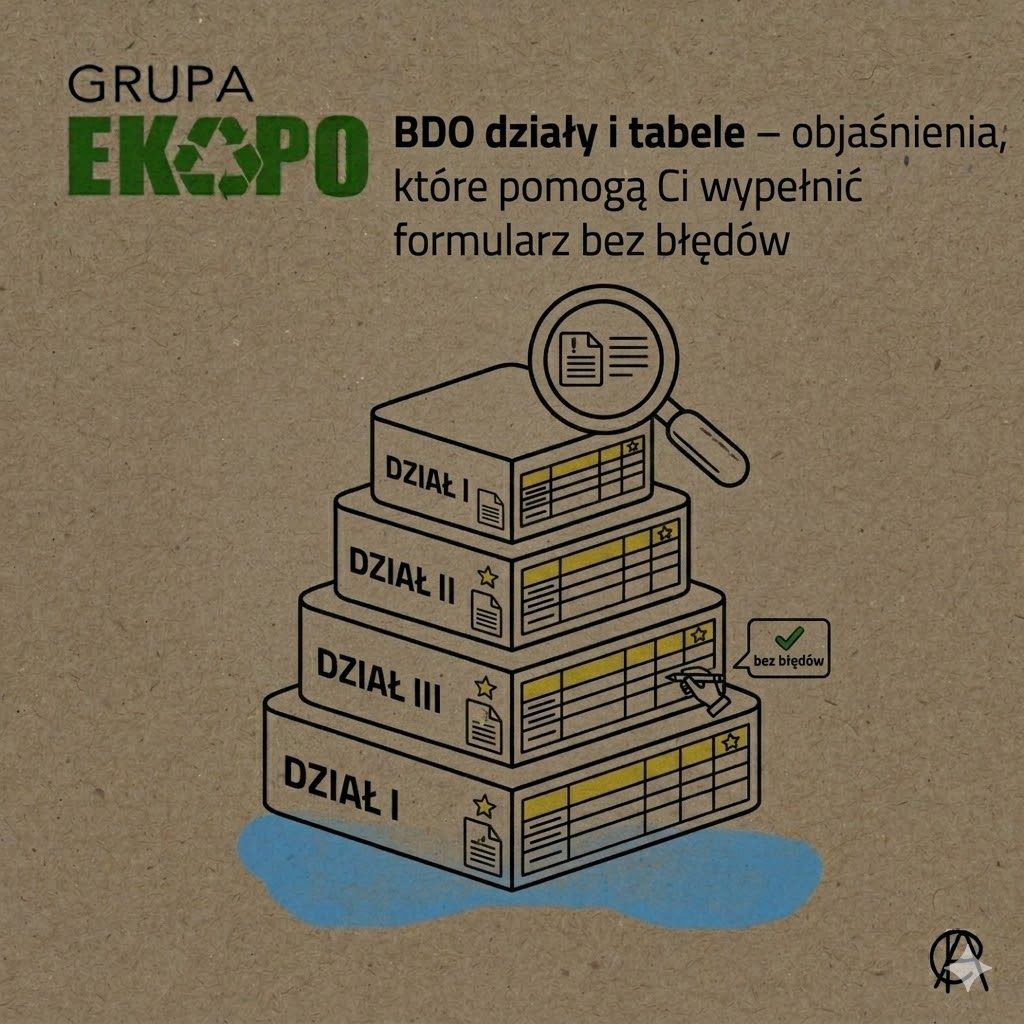
One of the most common reasons for errors in BDO is not lack of knowledge about the obligation itself, but confusion about the design of the forms. The entrepreneur opens an application or report, sees a list of sections and tables and very often assumes that everything the system shows has to be completed. This is where the problem starts. The official BDO instructions make it clear that the layout of the forms is layered: first there are departments, and include tables, which should be completed according to the company's scope of activity. This means that the system does not automatically expect all sections to be filled in, but rather those parts that correspond to the entrepreneur's real responsibilities.
What are the sections and tables in BDO?
In simplest terms, department is the major part of the form corresponding to a specific area of responsibility and table is the more detailed part within a section, where specific data is entered. In the application module, departments and tables are used to organise information about the type of activity, places of activity, decisions and other registration data. In the reporting modules, a department can correspond to a specific area of responsibility and tables contain specific items to be completed with numbers, weights, codes or other data. The official BDO instructions directly use such language and show that when the form is saved, the user just goes to a screen with departments and tables.
How do you know which sections and tables need to be completed?
This is the most important question from a practical point of view. The official BDO survey has been made available precisely so that the entrepreneur can check, which part of the application should be completed. In practice, this means that the system does not assume one common form for all. Different sections and tables will be filled in by the company transporting waste, others by the entity introducing packaged products, and still others by the entrepreneur submitting only an update of data. It is exactly the same with the reports: the BDO instructions indicate that, once the form is saved, the system shows the sections and tables to be completed according to the activity carried out by the reporting agent. This means that the key is not in the form itself, but in correctly identifying the type of obligation of the company.
The most common mistake: filling in everything or leaving out too much
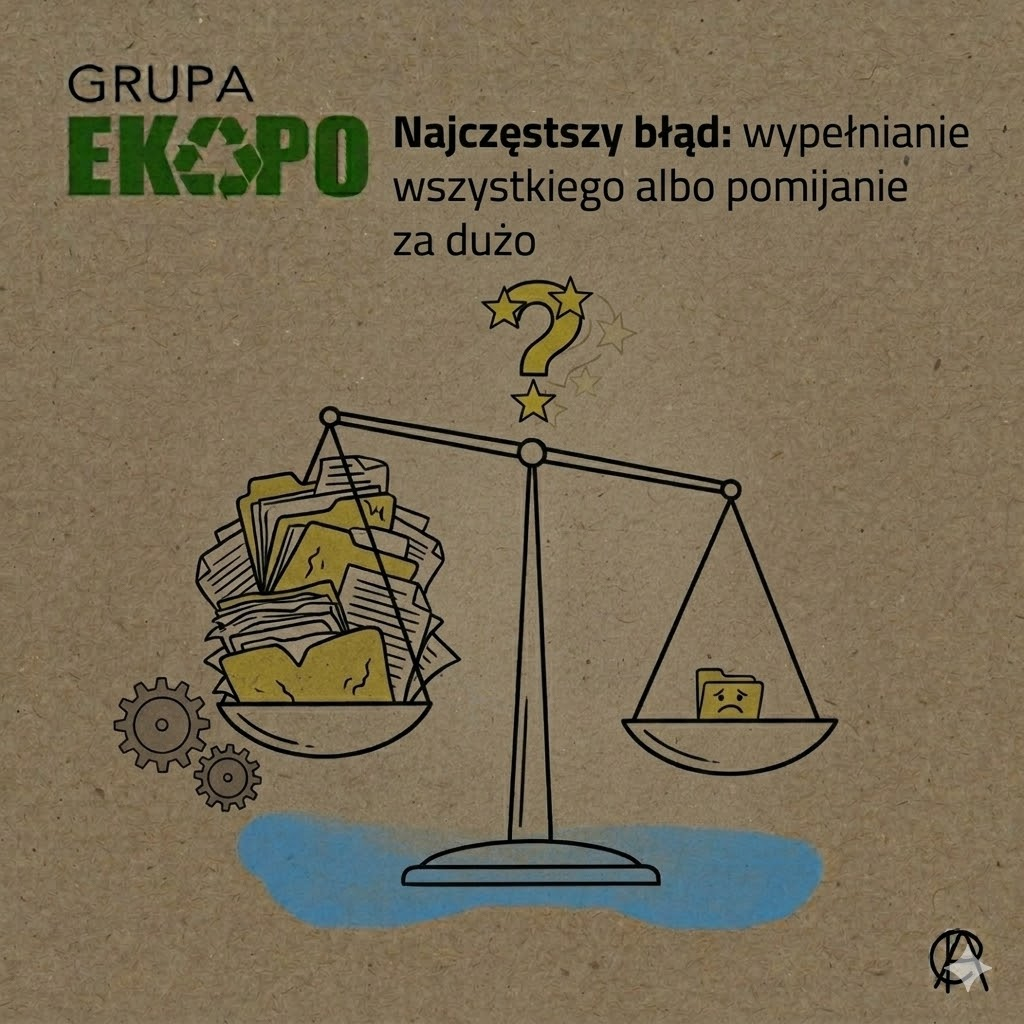
When working with BDO, two extreme mistakes usually occur. The first is that the entrepreneur tries to fill in all visible sections and tables „just in case”. The second is the opposite: he omits a part of the form because it seems unnecessary to him, even though it results from his scope of activity. The official instructions for the waste and product reports show that the system displays all the sections by table, but their completion is supposed to be in line with the activity. This is very important: the form is not a „how many fields can you complete” test, but a tool to reflect the company's real responsibilities. The safest approach, therefore, is to first establish the basis of entry or the type of report, and only then proceed to the relevant sections and tables.
Where can I find official explanations of sections and tables?
The best source is not unofficial screenshots from the internet, but material from BDO itself. Official section „Instructions - step by step BDO system”.” contains instructions for the electronic application module, reports and other areas of the system. In the application module, there is a section on headings and tables directly, and in the instructions for reports, the system explains how to navigate through the tables once the form has been saved. In practice, this means that if a trader does not know whether a particular heading or table applies to him or her, he or she should first check the official instructions for his or her type of application or report before seeking further clarification.
Frequently asked questions
What is the difference between a department and a table in BDO?
A section is the larger part of the form that corresponds to a specific area of responsibility, and a table is a more detailed section within a section where specific data is entered. This follows from the layout of the official instructions of the proposals and reports module.
Do you have to fill in all the sections and tables visible in BDO?
No. Only those parts that correspond to the actual scope of the entrepreneur's activities and responsibilities should be completed. The official BDO reporting instructions indicate this explicitly.
How do you know which sections of the application need to be completed?
BDO provides an official questionnaire to help determine which part of the application should be completed.
Are there sections and tables in the BDO report too?
Yes. Once the report has been saved, the system displays divisions by table to be completed according to the activity.
Where can I find official explanations of sections and tables?
In section „Instructions - step by step BDO system”.” and in the official PDF instructions for the proposals and reports module.
If you want to check which sections and tables in BDO apply specifically to your company and how to fill in the forms correctly without errors, Ekopro Group provides assistance. On a day-to-day basis, we support entrepreneurs in topics related to BDO, applications, reports, records and day-to-day handling of environmental obligations. Feel free to contact us we will help you determine what really needs to be completed and organise the forms in the BDO system

 Polski
  English (UK)
  Deutsch
  Українська